
How to Send Website Leads Automatically to a CRM
Design a reliable lead handoff with validation, deduplication, clear delivery states and a manual recovery queue.
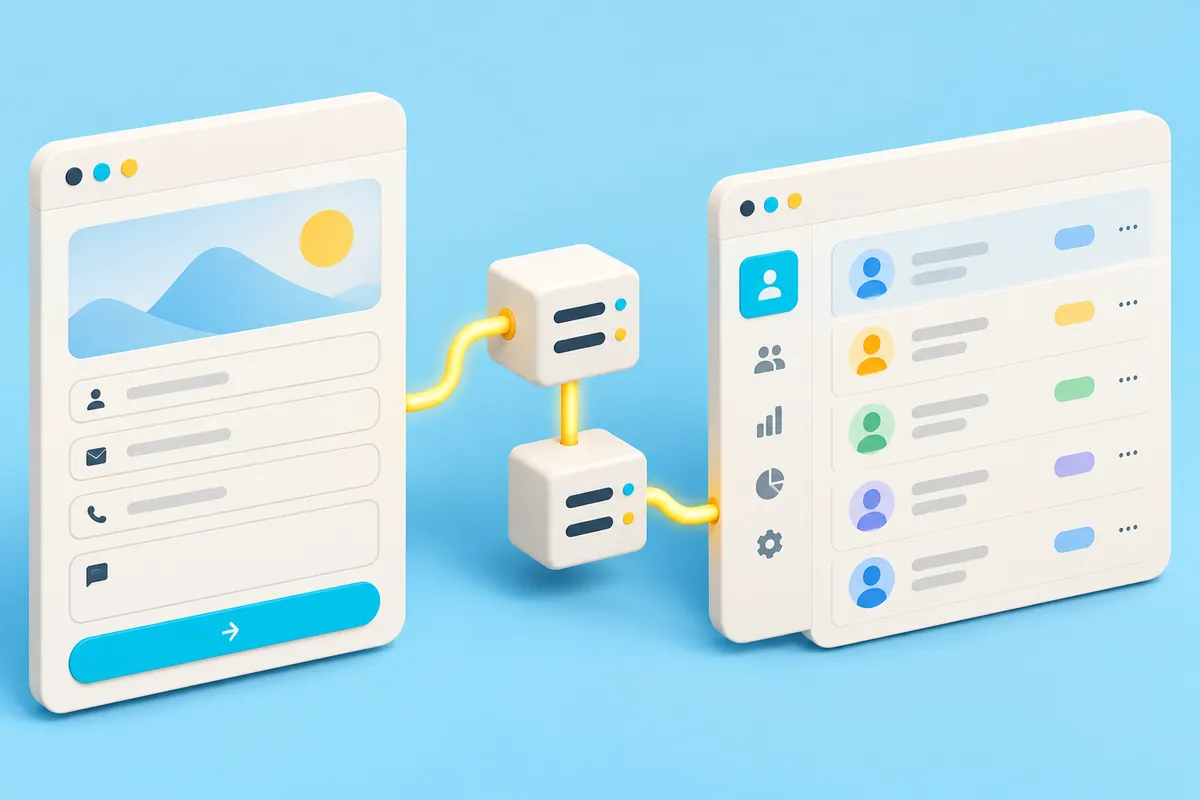
A dependable website-to-CRM connection must do more than call an API after a form is submitted. It needs to distinguish a received request from a successfully created CRM record and preserve the enquiry when the destination is unavailable.
Define the minimum record
Agree the fields the CRM needs: contact method, requested service, source, enquiry message and assignment rule. Explain the purpose of collecting personal information and collect only what the workflow needs. Avoid asking the model or browser to infer sensitive customer attributes.
Receive and validate on the server
Browser validation improves feedback but is not a trust boundary. Validate types, lengths and allowed values on the server. Apply appropriate abuse controls, keep CRM credentials out of client code and avoid exposing technical failure details to visitors.
Make retries safe
Create a stable submission identifier. If the visitor taps twice or a worker retries after a timeout, the same enquiry should not become several opportunities. Store the identifier alongside the destination record or maintain an integration ledger. Check whether the CRM supports a suitable upsert or idempotency mechanism rather than assuming it does.
Separate delivery states
| State | Meaning |
|---|---|
| Received | The application has durably accepted the enquiry |
| Queued | Delivery is waiting for processing |
| Delivered | The CRM has confirmed the intended record |
| Needs review | Automatic delivery could not be completed safely |
Only show a received confirmation after the relevant persistence step succeeds. If the system merely opens the user's email application, describe that honestly instead of claiming server delivery.
Test recovery, not just success
Test invalid input, duplicate submission, CRM timeout, authentication failure and a successful response lost in transit. Limit retries and make unresolved enquiries visible to an owner. Reconcile source submissions with CRM outcomes regularly without copying unnecessary personal data into logs.
Launch a controlled handoff
Start with one form and one assignment rule. Verify that each accepted enquiry reaches a person who knows what to do next. Sales pipeline and follow-up explains the business process the integration should support.
Sources & further reading
Examples and decision frameworks are planning guidance, not guaranteed outcomes. Check current provider requirements before implementation.
Related articles
View all →
AI & Automation
What Is AI Automation for Business?
Separate deterministic automation from AI judgement and choose a bounded pilot with measurable risk controls.
2 min read
AI & Automation
10 Business Processes You Can Automate
Ten candidate workflows, with triggers, human checkpoints and a method for choosing the first pilot.
2 min read
AI & Automation
How to Connect LINE Official Account with Your CRM
Plan a secure LINE Messaging API integration with verified webhooks, identity linking, deduplication and support ownership.
2 min read