
How to Connect LINE Official Account with Your CRM
Plan a secure LINE Messaging API integration with verified webhooks, identity linking, deduplication and support ownership.
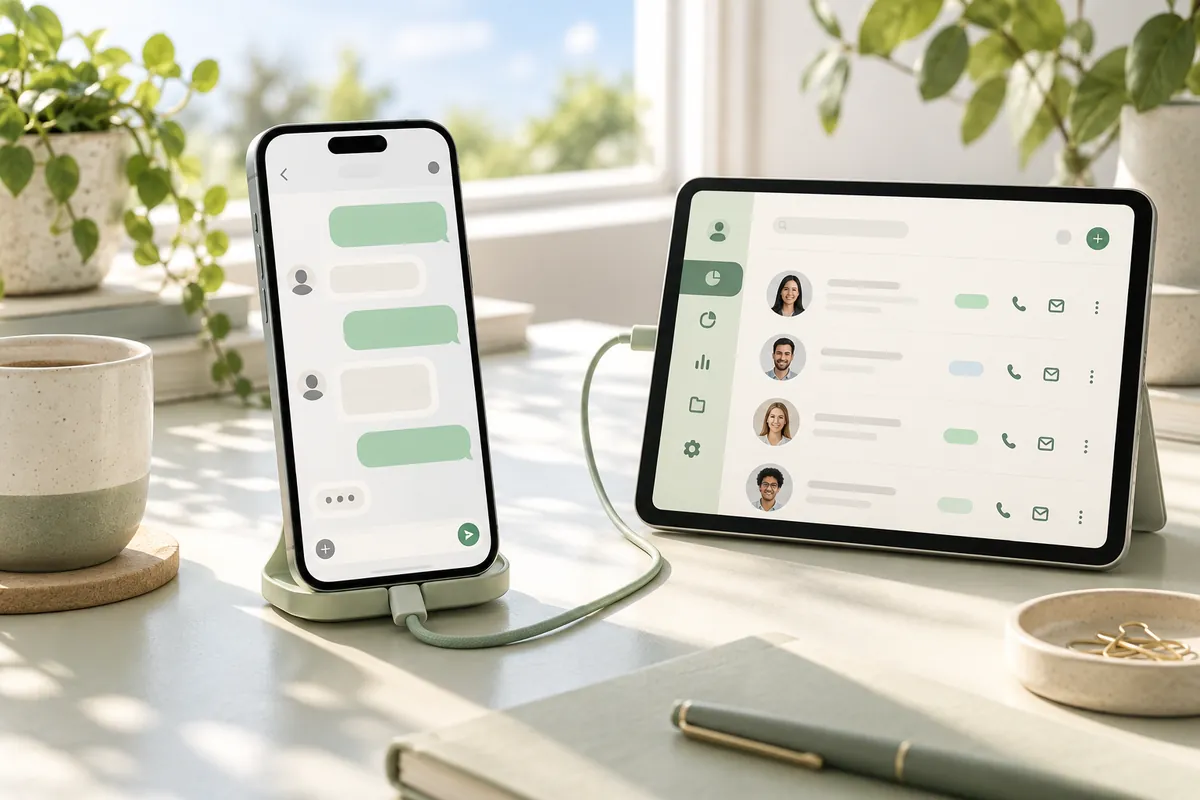
Connecting LINE Official Account to a CRM is an integration project, not simply copying chat names into a spreadsheet. Define the outcome first: should a message open a sales task, create an enquiry or attach an interaction to an existing customer? Access and messaging behaviour depend on the channel configuration and current LINE documentation.
Set up a controlled receiving endpoint
Use the Messaging API channel associated with the Official Account and configure an HTTPS webhook endpoint. Keep the channel secret and access tokens on the server. The webhook receiver should verify the LINE signature against the original request body before parsing or trusting the event. Do not modify the body before this check.
Confirm the channel and webhook setup in the provider's console and test with non-sensitive sample conversations. Do not claim that enabling a webhook imports the account's complete historical chat archive.
Link identity deliberately
A LINE user identifier is not automatically the same as an email address or CRM customer ID. Use an explicit account-linking or confirmation flow appropriate to the application. Do not merge records solely because display names match. Record the relationship and allow an authorised operator to correct a mistaken link.
Make delivery idempotent
LINE documents that events can be delivered more than once and redelivery order can differ. Store the webhook event identifier and avoid creating a second opportunity when the same event is retried. Use the event timestamp where order matters. Enable redelivery only after understanding its behaviour; it is not a guarantee that every event will eventually arrive.
Keep customer communication under control
Decide whether the integration only creates internal tasks or may send replies. Check current messaging permissions, token rules, limits and commercial plan terms before estimating outbound behaviour. Do not embed provider quotas or prices into a proposal without checking them at the time.
Test and operate the connection
Test an unknown sender, an existing linked customer, duplicate delivery, an invalid signature, a CRM outage and a staff reassignment. Log identifiers and outcomes without unnecessarily retaining message content. Assign responsibility for rotating secrets, reviewing failures and handling customer data requests.
Begin with one dependable use case, such as creating an enquiry for review. Our CRM foundations guide helps decide what should be stored and who owns the next action.
Sources & further reading
Examples and decision frameworks are planning guidance, not guaranteed outcomes. Check current provider requirements before implementation.
Related articles
View all →
AI & Automation
What Is AI Automation for Business?
Separate deterministic automation from AI judgement and choose a bounded pilot with measurable risk controls.
2 min read
AI & Automation
10 Business Processes You Can Automate
Ten candidate workflows, with triggers, human checkpoints and a method for choosing the first pilot.
2 min read
AI & Automation
Workflow Automation vs AI Agents
Choose deterministic workflows or bounded agents by predictability, tool permissions and the cost of a wrong action.
2 min read