
What Is CRM? A Complete Guide for Growing Businesses
Understand CRM, choose useful features, and plan a rollout around customers, ownership and measurable sales work.
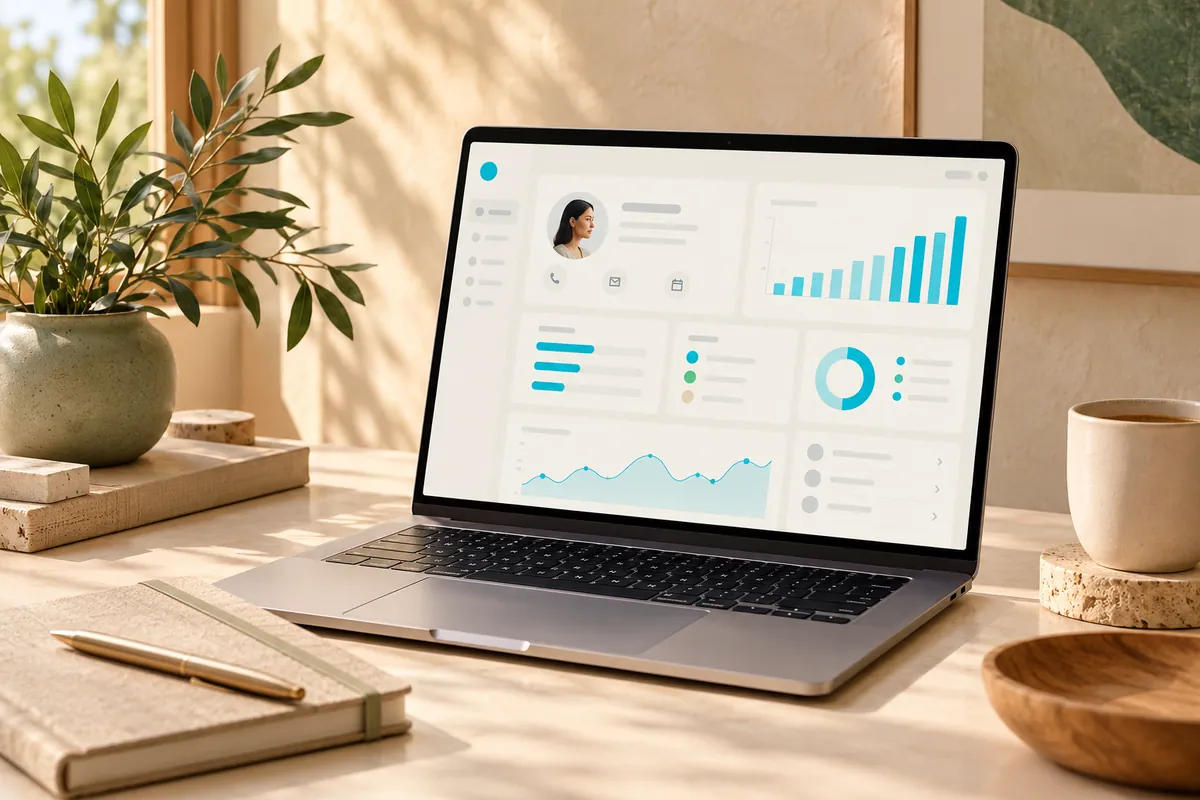
A CRM is a shared system for managing customer relationships: who the customer is, what has happened, who owns the next action, and where an opportunity stands. It becomes valuable when it supports an agreed way of working. Installing software without deciding these rules usually moves scattered information into a different place.
What belongs in a CRM?
Keep contacts and companies separate from sales opportunities. One company may have several contacts and several potential projects. Record the opportunity value, stage, owner, expected decision date and next action. Store interaction notes where colleagues can find them, rather than relying on one person's inbox.
Access and contact preferences
A contact record is not permission to send every kind of message. Define what information is necessary, who can access it and how requests to correct or remove it are handled. Avoid collecting sensitive information just because a field is available.
A practical example
Imagine a property management company receiving enquiries from its website and LINE account. This is a hypothetical workflow, not an Inphade client case. A new enquiry creates a contact and an opportunity. A coordinator assigns an owner, the owner arranges a viewing, and the next task is recorded after the conversation. If the buyer already exists, the new enquiry should attach to the existing record rather than create a duplicate.
The useful result is continuity: another colleague can understand the situation and the customer does not have to repeat everything. A dashboard is secondary to reliable records and clear ownership.
Choose features by the decisions they support
| Business question | Minimum useful capability |
|---|---|
| Who needs a response today? | Assigned tasks and due dates |
| Which deals have stalled? | Stage history and next-action reports |
| Where do enquiries come from? | A consistent source field |
| Who may see customer information? | Role-based access |
Do not start with a long wishlist. Ask each team to demonstrate a real task using sample records. A technically impressive automation that nobody trusts is a poor substitute for a simple process people follow.
Plan a manageable rollout
- Map the enquiry-to-sale process with the people doing the work.
- Agree stage definitions, required fields and ownership rules.
- Clean a small customer dataset and test the import.
- Pilot one team, including reassignment and lost-deal scenarios.
- Review overdue tasks, duplicate records and adoption before expanding.
Keep a rollback copy of imported data and test an export before choosing a supplier. Integration requirements, training and support deserve space in the budget alongside development or subscriptions.
How to judge whether it works
Choose a baseline before launch. Useful measures include time to first response, opportunities with a dated next action, duplicate rate and stage ageing. Define each measure clearly. A change in conversion can have several causes, so do not attribute every improvement to the CRM alone.
Your next decision
Start with the customer journey and the handoffs your team currently loses. Then compare a ready-made system with a tailored build using our CRM comparison. The right CRM is the smallest dependable system that makes those handoffs visible and supports the next stage of growth.
Sources & further reading
Examples and decision frameworks are planning guidance, not guaranteed outcomes. Check current provider requirements before implementation.
Related articles
View all →
CRM & Sales Systems
CRM for Small Businesses: How to Get Started
A small-team CRM rollout: choose a narrow process, clean useful data, assign ownership and test daily adoption.
2 min read
CRM & Sales Systems
Custom CRM vs Off-the-Shelf CRM
Compare workflow fit, implementation effort, ownership, integrations and the practical cost of changing systems.
2 min read
CRM & Sales Systems
How Much Does Custom CRM Development Cost?
Build a defensible CRM budget from scope, migration, integrations, risk and ongoing ownership—not a headline price.
2 min read